Private preview: cloud accounts are invite-only. The on-site box still runs fully air-gapped without an account.
Facility screens, on duty
Everyday signage. Instant alerting.
Dutywall is the wall that stays useful all day and takes over when it matters: a managed signage system and a facility mass-notification endpoint, running from a box on your LAN.
Preview is invite-only. The appliance does not need a cloud account. First facilities: East Tennessee and Western North Carolina.
LOCKDOWN
Shelter in place · all zones
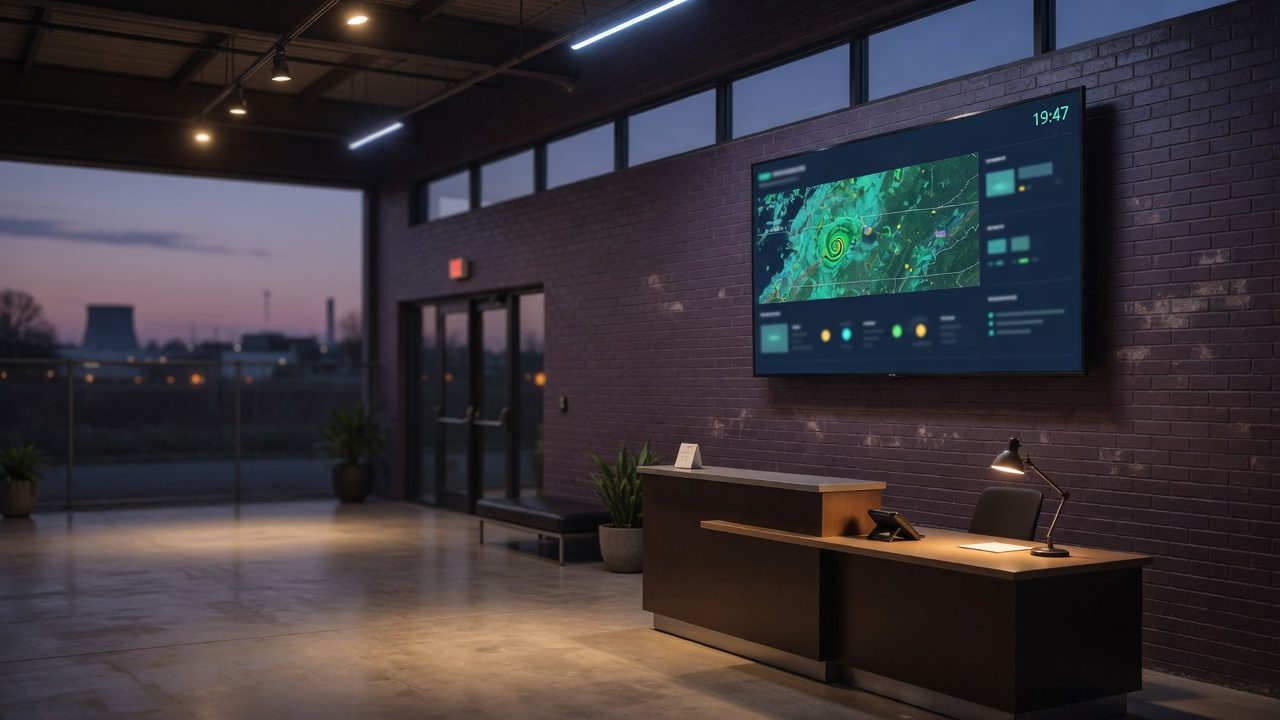
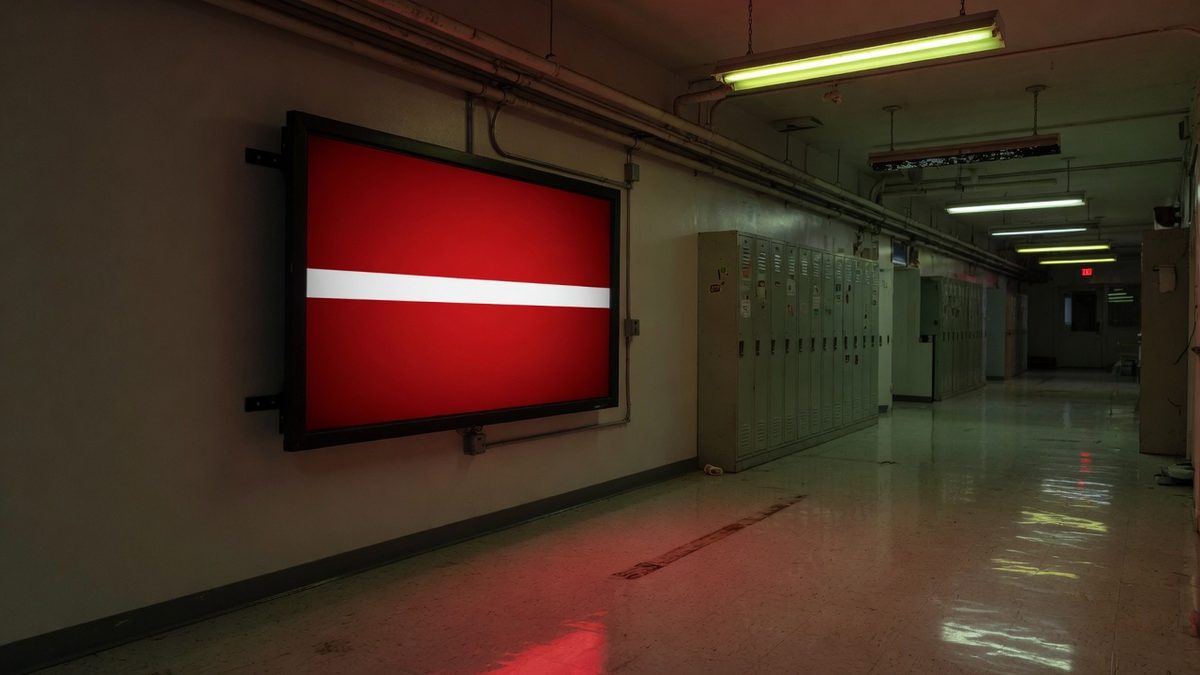
What the wall actually looks like
Same hardware. Two jobs. Everyday content until a panic, CAP, or NWS warning paints the selected zones.
Day
Lobby · weather + PiP + ticker
Compose layouts, live cameras, news, and NWS. The box is the source of truth on the LAN.
Duty
LOCKDOWN
Full-screen takeover, optional alarm. Stays up until you clear it, not a timer.
Front of house. Group name lobby is a zone, not a duration.One action paints every selected zone. Manual always beats NWS.The box lives on your LAN. Cloud is outbound-only, and optional.
On-site
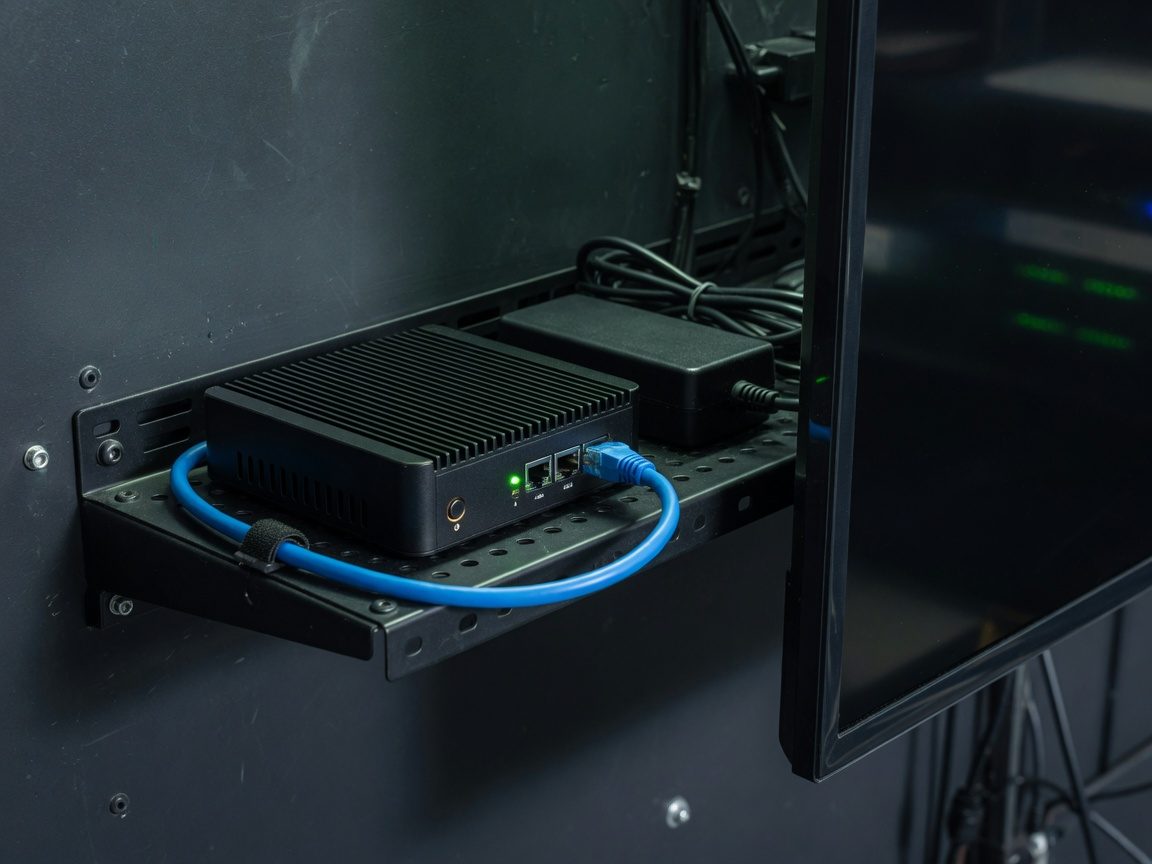
The box is the site manager
Displays never talk to the public internet for content. They poll the local Dutywall box. If the WAN dies, last-good content and local emergencies still run.
Outbound only
Cloud cannot dial the LAN
Optional cloud sync is agent-initiated: desired state down, status up. Same reason TVs work through NAT. Privacy-sensitive sites skip the cloud entirely.
Official weather
NWS, not a widget
Severe-weather auto-alerts come from api.weather.gov and map onto real presets (tornado, flash flood, winter storm). A manual emergency always overrides.
Built for facilities, not retail menus
Generic digital signage is crowded and priced like a poster printer. Dutywall is for plants, campuses, clinics, and municipal buildings that already think in zones, musters, and who is on the wall when the siren goes.
What you run every day
Looping video, slideshows, web pages, and mixed rotations
Live weather, hourly forecast, and animated radar (your NWS office)
One box on the LAN (Linux, Pi, or Windows with Docker Desktop). Docker compose. Panel password. No cloud user. Nothing phones home except NWS. This is the air-gap / CMMC-shaped path. Setup guides.
Same box. Set a site token. The box pulls desired content and pushes inventory. Multi-site operators get a panel; the LAN stays closed.
Where we start
Dutywall is being stood up from East Tennessee, with Western North Carolina next door. Mountain weather, spread-out campuses, and plants that already own TVs are the first design center, not a Times Square billboard.
Tri-Cities, Knoxville, and the plants, hospitals, and schools that sit under NWS Morristown (KMRX). Severe storms, winter, and river flooding are first-class, not a weather widget.